MINECRAFT TEXT
STUDIO.
Design a server MOTD, convert color codes, compose a written book, or build a two-sided sign—with visual previews and game-aware limits for every format.
Build your MOTD
Create the two-line message players see before joining your Java server.

One formatting workflow, four in-game previews
Minecraft uses the same familiar colors in many places, but each surface has different constraints and output syntax. Text Studio keeps the palette consistent while changing the preview and export format for a server list, chat component, written book, or sign.
MOTDs and color codes without guesswork
Build a two-line multiplayer-list message, compare all 16 legacy colors and formatting styles, then copy section-sign, ampersand, Unicode-escaped, MiniMessage, plain-text, or structured component output.
Books with real page planning
Write and reorder through as many as 100 Java pages, watch the 14-line page area, set the title and author, and copy a modern item-component command for the finished written book.
Two-sided signs and hanging signs
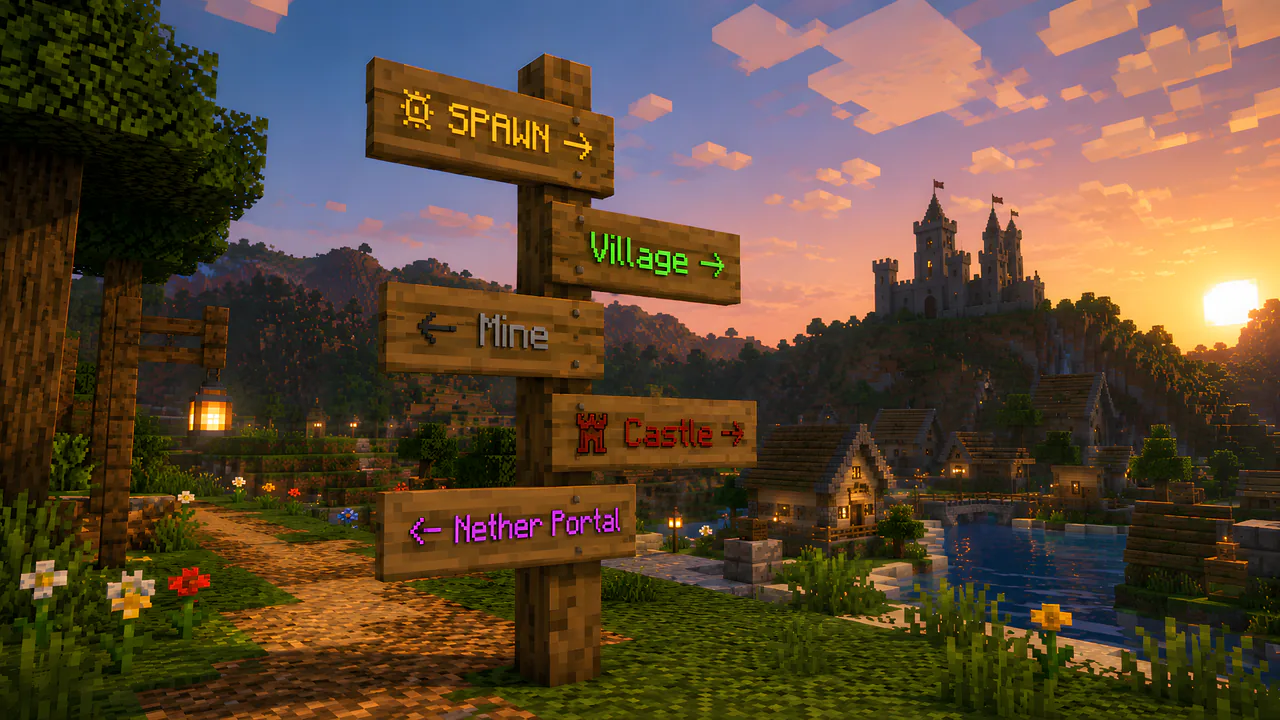
Design the front and back separately, switch between wood families, choose text dye, add glow, lock the result with wax, and preview the four-line board before copying the command.
Formatting and limits
What does the Minecraft Text Studio generate?
It combines a Java server MOTD generator, Minecraft color-code converter, written-book generator, and sign generator. Every mode shares one formatting palette but has its own preview, limits, and output.
Which Minecraft color codes are supported?
All 16 legacy colors plus bold, italic, underline, strikethrough, obfuscated, and reset codes are supported. Output can be copied as section-sign, ampersand, server.properties Unicode, plain text, MiniMessage, or JSON/SNBT components.
Does the book generator simulate Java Edition limits?
Yes. With game limitations enabled, a book can contain up to 100 pages and each page is limited to 1,023 characters. The preview also shows the 14-line page area.
Can signs have front and back text?
Yes. Normal and hanging signs have independent front and back designs, four-line previews, dye colors, glowing text, wax state, wood selection, and a Java give command.
Can I share a design?
Yes. Copy Share Link stores the current studio state in the URL when it is small enough for a reliable browser link. Large multi-page books should be copied as commands instead.
Build something greater with us.
Join our Discord, read the rules, and submit your application to enter Terra Nova. The realm is reserved for players aged 18 and over.