
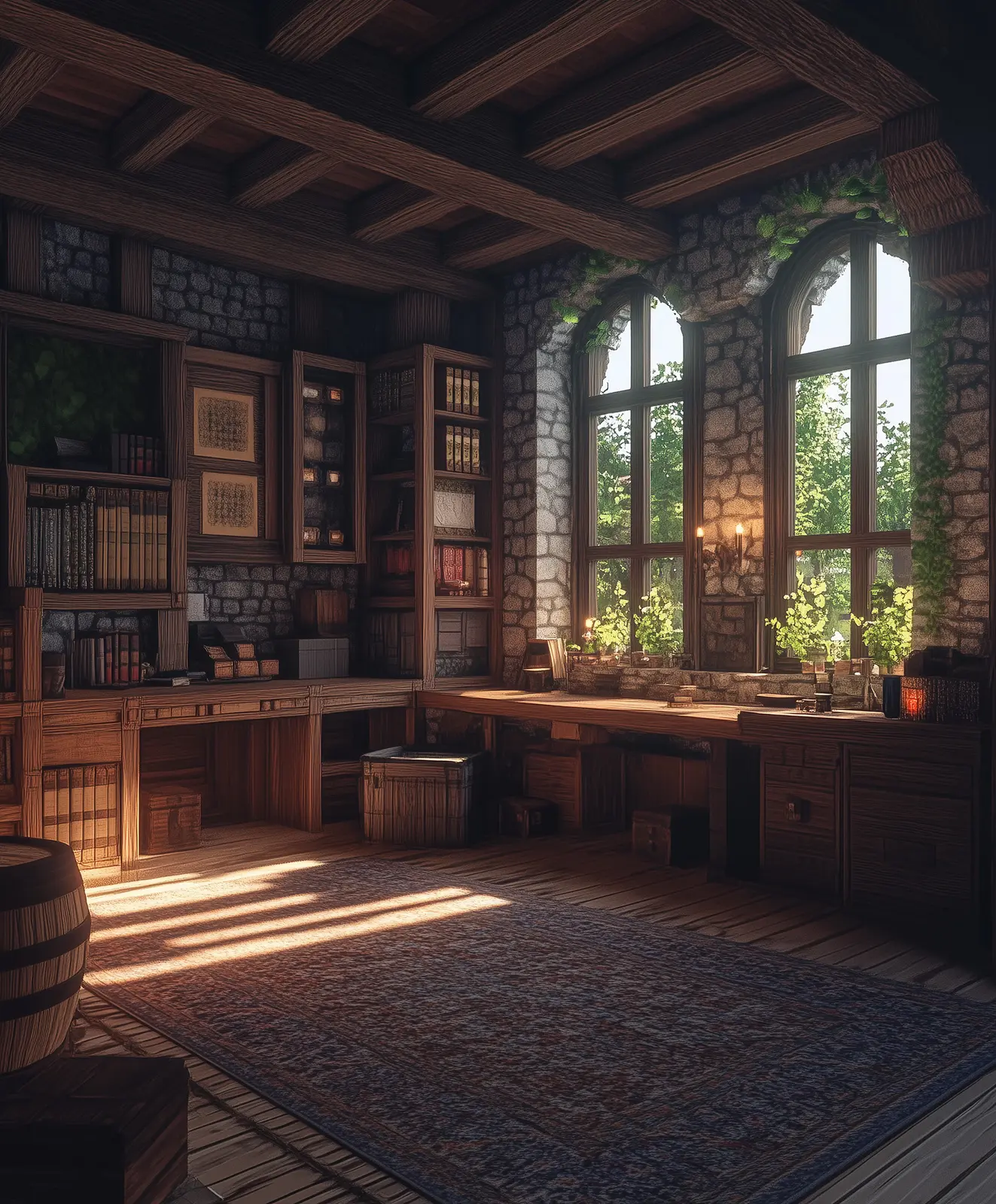
THE TERRA NOVA
MOD PACK.
Better performance, richer visuals, precise building tools, and easier navigation—without compromising vanilla gameplay.
Everything useful. Nothing pay-to-win.
This Fabric pack improves performance, building, visuals, and navigation while respecting Terra Nova’s fair-play rules.
Higher frame rates and shader support.
Maps, waypoints, and world navigation.
Precise schematic planning for ambitious builds.
Real-time illumination from held light sources.
Reliable compatibility for the included tools.
How to install
1. Download the pack
Save the Terra Nova ZIP file to your computer.
2. Install Fabric Loader
Download Fabric Installer from the official Fabric website, run it, select the Minecraft version matching this pack, and choose Install.
3. Add the mods
Open your Minecraft mods folder. On Windows, press Win + R and enter %appdata%\.minecraft\mods. Create the folder if it does not exist. Extract the ZIP and move all included JAR files into it.
4. Launch Minecraft
Choose the Fabric profile in the Minecraft Launcher and start the game.
Build something greater with us.
Join our Discord, read the rules, and submit your application to enter Terra Nova. The realm is reserved for players aged 18 and over.